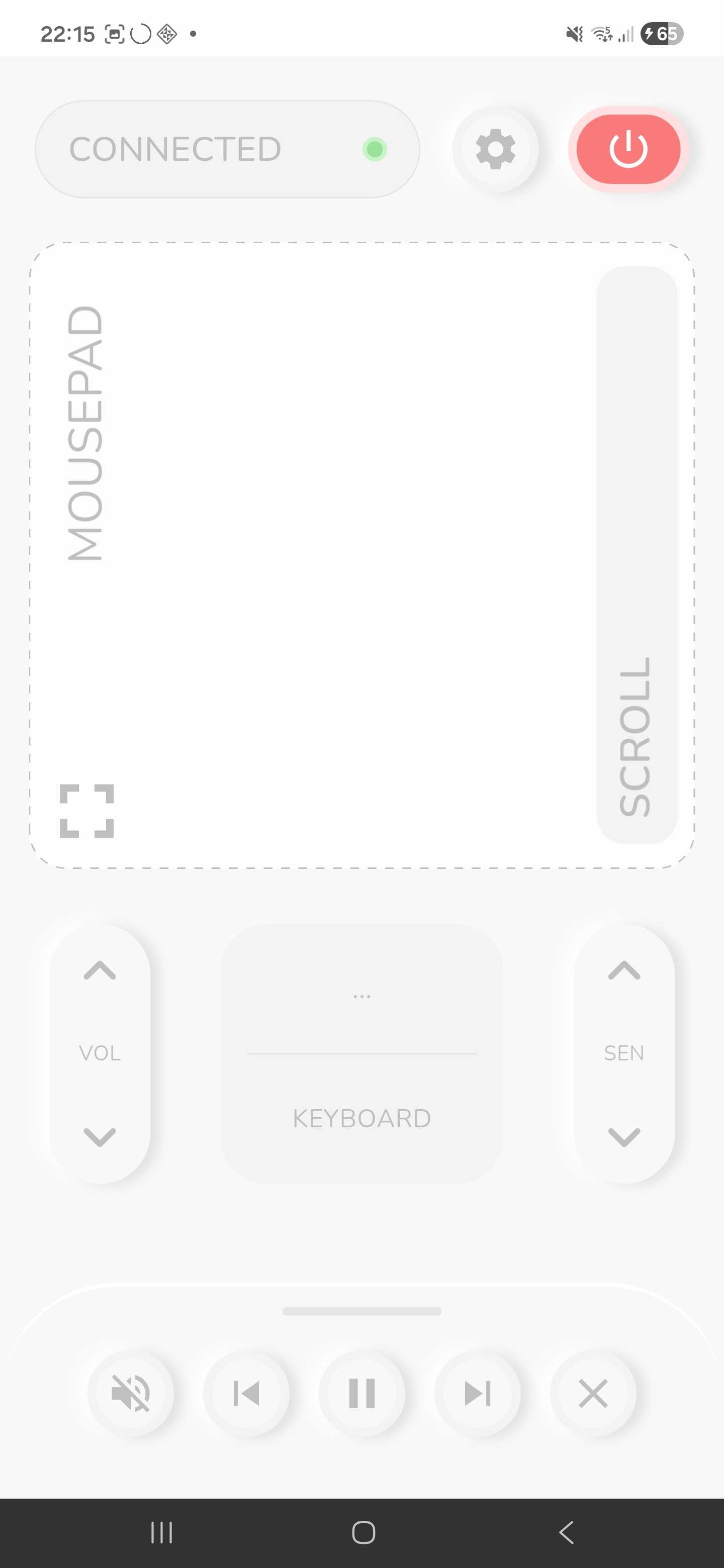
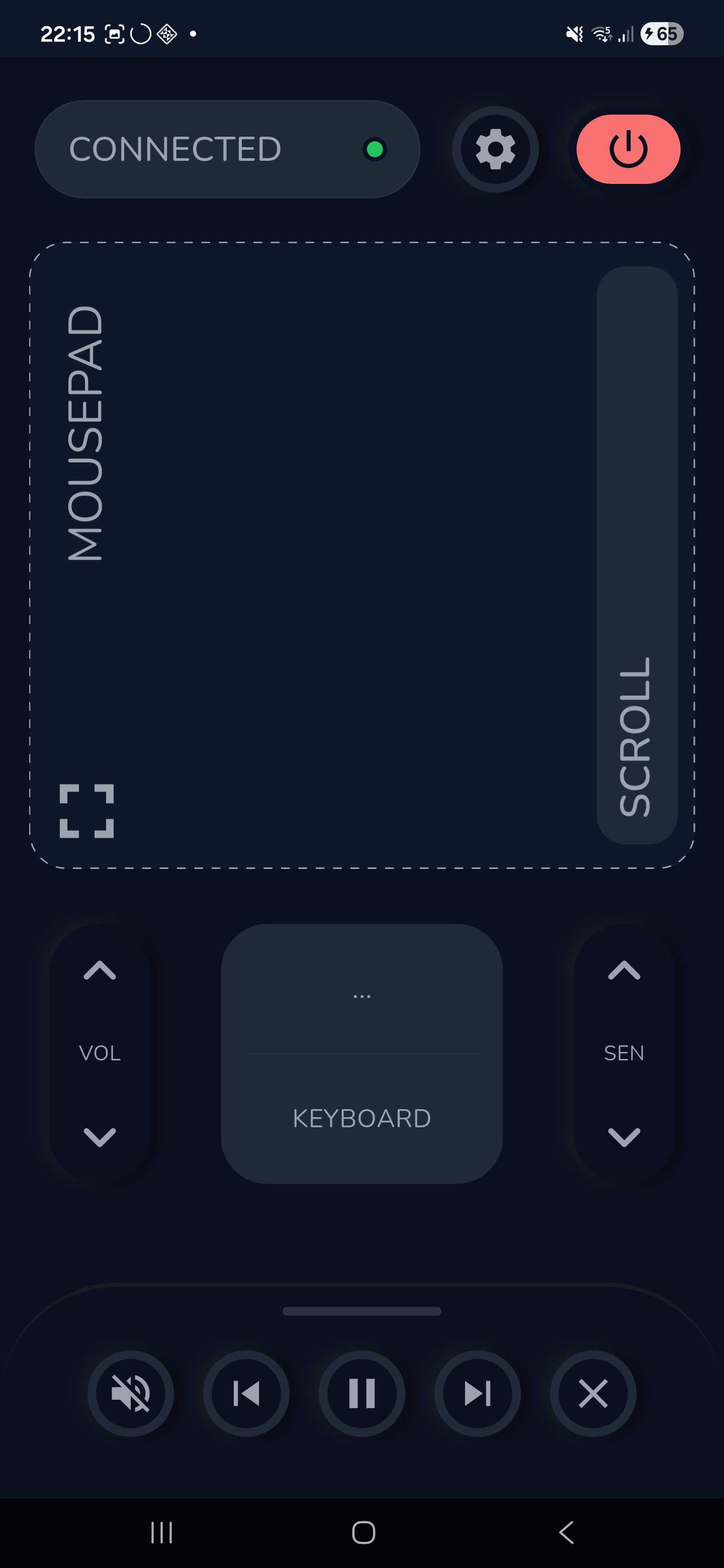
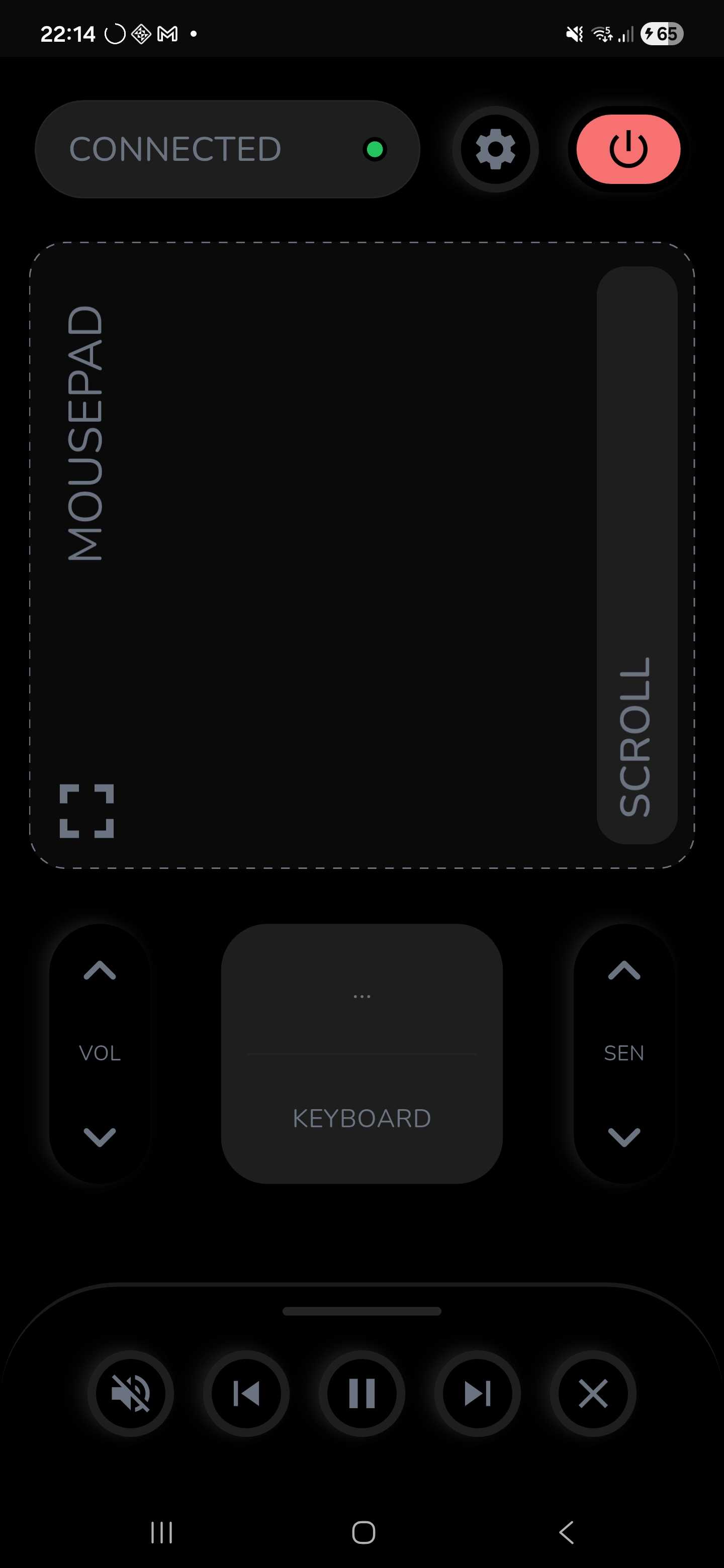
What is Laze?
Built for the ultimate lazy lifestyle
Laze is a cross-platform remote control system that bridges your mobile device and desktop computer. Whether you're giving a presentation, watching media from across the room, or just want freedom from your desk — Laze delivers a fluid, lag-free experience designed to feel like an extension of your computer.
Features
Everything you need, nothing you don't
- Precision movement with velocity acceleration
- Two-finger scroll & drag-and-drop
- Adjustable sensitivity on-the-fly
- Sub-pixel smoothing — no jitter
- Multi-client support
- System tray with autostart on boot
- Instant LAN discovery — no IP config
- Graceful disconnect notifications
- Pre-built & custom shortcuts
- Terminal commands from your phone
- Cross-platform commands (Linux, Windows, macOS)
- Fullscreen touchpad & theme support
- Shortcuts & settings persist across restarts
- Custom device naming
- Session continuity — pick up where you left off
Screenshots
See it in action
Desktop Dashboard
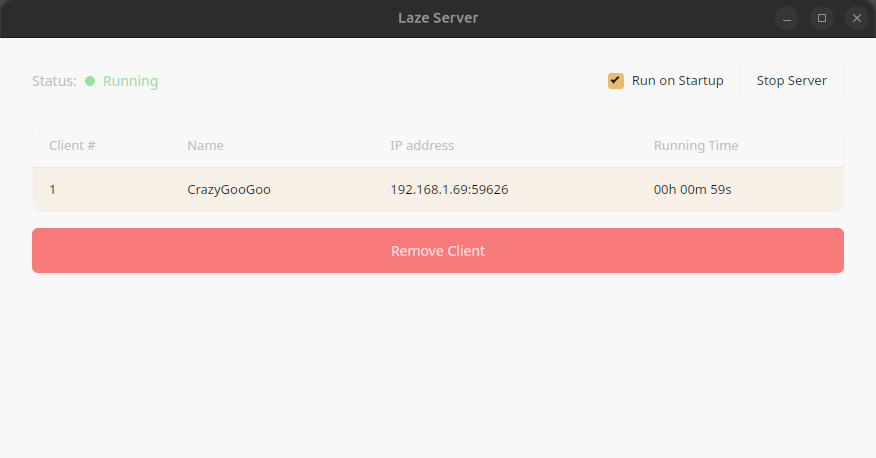
A clean, unobtrusive control center that lives in your system tray. Monitor connections, toggle autostart, and see your server status at a glance.
The Story
Born from watching movies in bed
It all started with a simple frustration: watching a movie from bed, but having to get up every time something needed adjusting. No TV subscription — just a laptop connected to the TV and free streaming sites.
Every existing app was either cumbersome to configure, ugly, or both. So Laze was built: a clean, modern, simple UI where you can open Firefox on your favourite movie site with 1 swipe and 1 click.
The ultimate lazy solution for the ultimate lazy lifestyle. 🛋️
Comparison
How Laze compares
| Feature | Laze | KDE Connect | Unified Remote | Remote Mouse |
|---|---|---|---|---|
| Cost / License | Free & Open Source | Free & Open Source | Freemium | Freemium |
| Custom Commands | ✅ On phone | ⚠️ On desktop | 💰 Paid feature | ❌ Limited |
| Auto Discovery | ✅ Instant LAN | ⚠️ Pairing needed | ⚠️ Server install | ⚠️ Helper install |
| UX Design | Modern, mobile-first | Functional | Functional | Basic |
| Architecture | Rust + Tauri + Flutter | C++ / Qt | Mixed native | Proprietary |
Download
Get Laze for free
Pre-built binaries are available on GitHub Releases. No account required, no store needed.
Mobile App
The remote controller for your phone. Tested on Android.
Desktop Server
The server that runs on your computer. Available for Linux, Windows, and macOS.
Not yet on the Play Store or any desktop store — coming soon.